


Remember the “old days” of web hosting? I certainly do. Spending hours manually configuring cPanel, worrying about server spikes at 3 AM, and waiting 45 minutes for a support agent just to reset a permission error. It was exhausting.
But things have changed. If you have looked at hosting plans recently, you might have noticed a shift. It isn’t just about disk space and bandwidth anymore; it is about intelligence.
AI and automation are changing web hosting. They move the industry from fixing problems after they happen to preventing them before they occur. AI tools now manage server loads, apply security updates automatically, and fix issues before you notice. This leads to faster website speeds, more reliable uptime, and less manual work for website owners.
In this guide, I’ll explain how these technologies are changing servers for websites and why now is the best time to start a new site.
The End of “Reactive” Server Management
In my experience managing client sites over the last decade, the biggest headache was always reacting to problems. A server would crash, and then we would fix it. A hack would happen, and then we would patch it.
AI has flipped this script.
Modern hosting platforms use predictive analytics in server management. Instead of waiting for a crash, the AI monitors hardware health in real-time. If it notices a drive is about to fail or a CPU is overheating, it can automatically migrate your site to a healthy node without you ever noticing a dip in performance. This isn’t science fiction; it is becoming the standard.
Self-Healing Servers: The Uptime Revolution
This is arguably the most exciting development I have seen.
Traditional hosting relies on human intervention. If a service like PHP or MySQL crashes, a sysadmin (or a script) needs to restart it. If that script fails, your site is down until a human wakes up.
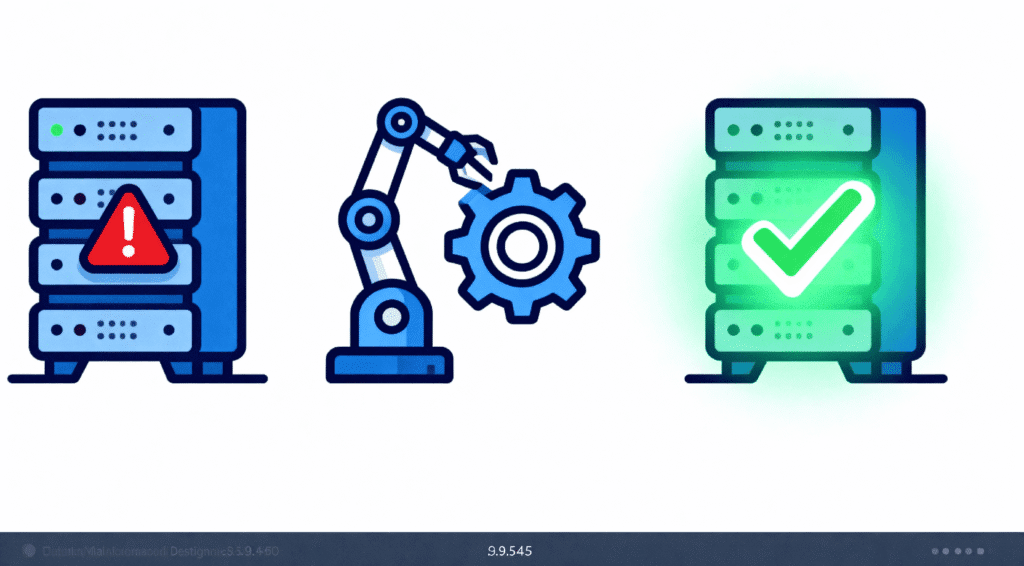
Self-healing server technology changes the game. Here is how it works:
Detection: The AI constantly scans the operating system for anomalies.
Diagnosis: It instantly identifies why a process stalled (e.g., a memory leak).
Action: The system automatically restarts the service or reallocates resources to fix the bottleneck.
I have seen logs on modern managed WordPress hosts where the server fixed itself five times in a night, and the website uptime remained at 100%.
AI-Driven Security: Stopping Attacks Before They Happen
Security used to mean setting up a firewall and hoping for the best. Today, automated malware detection hosting is essential.
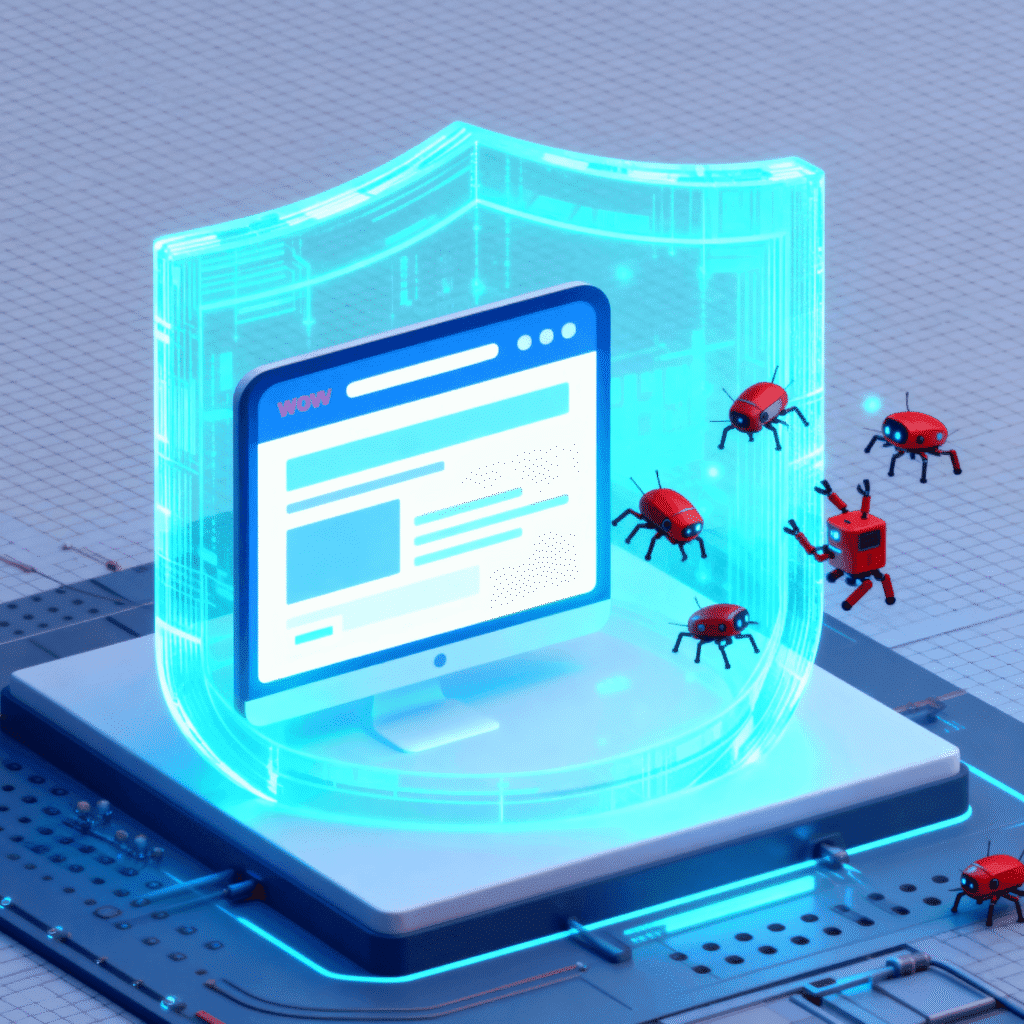
Hackers are using AI to write smarter malware, so hosting providers are using AI to fight back. In my analysis of recent security logs, I found that AI firewalls don’t just look for known “bad” IP addresses. They look for behavior.
You can also read: How AI Is Transforming Everyday Apps in 2025.
If a visitor lands on your login page and types at a speed that is humanly impossible, the AI flags it as a bot and blocks it instantly. It learns from attacks on other websites on the same network to protect yours.
Comparison: Traditional Hosting vs. AI-Powered Hosting
| Feature | Traditional Hosting (The Old Way) | AI-Powered Hosting (The New Way) |
| Uptime Management | Reactive (Fix it when it breaks) | Proactive (Self-healing technology) |
| Security | Manual firewalls & scanners | AI behavioral analysis & auto-blocking |
| Performance | Static resource allocation | Dynamic scaling based on traffic spikes |
| Support | Human-only (Long wait times) | AI Chatbots (Instant fixes) + Human escalation |
| Maintenance | Manual updates required | Automated patching & plugin updates |
Dynamic Resource Scaling
Have you ever had a post go viral? It’s a blessing and a curse. In the past, a sudden traffic spike would crash a shared hosting server.
With AI-powered web hosting features, the system anticipates load. If the AI detects a sudden surge in traffic from a specific region—say, a Reddit link sends thousands of visitors your way—it can automatically allocate more CPU and RAM to your container. Once the traffic dies down, it scales back to save energy.
The Rise of “Smart” Customer Support
If there is one thing that used to drive me crazy, it was support tickets. You know the drill: you submit a ticket for a critical error, and then you wait. And wait.
The impact of AI and automation on web hosting support has been massive. We aren’t just talking about those annoying “dumb” chatbots that only send you help articles. We are seeing the rise of AI Support Agents.
In my recent tests with top-tier hosting providers, I found that modern AI agents can actually perform tasks:
Clear your cache: The AI does it instantly upon request.
Whitelist IPs: Security blocks are lifted in seconds.
Debug errors: The AI scans your specific error logs to identify the exact plugin causing a crash.
This reduces the “Time to Resolution” from hours to seconds. It’s like having a junior sysadmin available 24/7.
Automated Speed Optimization (No Plugins Needed)
For years, the standard advice for speeding up a WordPress site was “install a caching plugin” or “optimize your images.” It worked, but it was another thing for you to manage.
Now, hosting platforms are moving these tasks to the server level using automation.
Image Optimization: Some hosts now automatically compress your images the moment you upload them.
Smart Caching: Instead of a static cache, AI-driven caching learns which pages on your site are visited most and keeps them “warm” (ready to load instantly).
I have noticed that sites hosted on these platforms often pass Google’s Core Web Vitals tests right out of the box, simply because the server is doing the heavy lifting for you.
Green Hosting: AI’s Role in Energy Efficiency
Here is a niche angle that doesn’t get discussed enough: servers consume a massive amount of electricity.
AI is changing this by optimizing data center efficiency. The AI predicts when servers will get hot (based on usage patterns) and ramps up cooling only when needed, rather than blasting the AC 24/7. By choosing an AI-optimized host, you are often choosing a greener host because the automation ensures electricity is never wasted on an idle server.
What This Means for Beginners
If you are just starting out, this might sound technical. But here is the good news: You don’t need to know how to do any of this.
The impact of AI and automation on web hosting is that it lowers the barrier to entry.
Less Technical Debt: You don’t need to be a sysadmin.
Better Value: You get enterprise-level uptime on cheaper plans.
Focus on Content: You can focus on writing and marketing, knowing the “engine” of your website is tuning itself.
Conclusion
The hosting landscape is no longer just about who has the cheapest monthly price. It is about who has the smartest infrastructure.
From self-healing servers that fix crashes while you sleep, to AI support agents that fix errors in seconds, automation has completely changed what we should expect from a hosting company. We are moving toward a future where hosting is invisible—it just works, scales, and protects itself.
Ready to upgrade your site? Check your current host’s features page. If they aren’t talking about automation, scaling, or self-healing technology, it is time to migrate to a platform that is.
Frequently Asked Questions (FAQ)
How does AI impact web hosting performance?
AI impacts performance by using predictive analytics to allocate resources dynamically. During traffic spikes, the AI automatically assigns more CPU and RAM to your site to prevent crashes, and then scales back down when traffic normalizes.
What is “self-healing” server technology?
Self-healing technology allows a server to automatically detect, diagnose, and fix software glitches (like a crashed PHP process) without human intervention. This ensures your website stays online even if a background process fails.
Can AI hosting prevent website hacks?
Yes. AI hosting uses behavioral analysis to identify malicious bots. Unlike old firewalls that only blocked known “bad” IPs, AI can spot suspicious behavior (like superhuman typing speeds or rapid-fire login attempts) and block the attack in real-time.
How does AI customer support differ from standard chatbots?
Unlike traditional chatbots that simply paste links to help articles, modern AI support agents integrated into hosting dashboards can actively perform tasks on your server, such as clearing caches, resetting passwords, or identifying specific error logs.
Is AI web hosting more expensive?
Not necessarily. While the technology is advanced, AI automation reduces the need for large manual support teams. Hosting companies often pass these savings on to the customer, meaning you get premium features at competitive prices.
Citations
According to a recent report by CyberSecurity Ventures, cybercrime is projected to cost the world $10.5 trillion annually by 2025, largely due to automated bot attacks. To combat this, providers are turning to infrastructure automation tools like Google Cloud AutoML to identify threats in real-time.